+1,300 students join to our course

Learn to edit video that actually holds the viewer's attention

Structured video editing courses for all levels — from your first clip to a complete production system. Step by step, no filler, with real-world examples.

Why people choose Montiqona

No slogans — just concrete things that make our courses useful

Set of three blue outline music player icons on a white background

Clear Structure

Every course is built as a sequential path — you always know what the next step is and why it comes next.

Colorful icon set with play, pause, and other media control symbols on a white background

Practical Application

Every module ends with a practical assignment built around real editing scenarios, not abstract exercises.

Three video play icons with circular arrows on a white background

Decision Logic

We explain not just what to do but why — so you can make independent decisions on any new project you take on.

Pixelated control panel with various symbols on a white background

Flexible Format 

The material is available at any time, on any device, with no dependence on schedules or live sessions.

  • GitHub logo with a white cat silhouette on a black background
  • Black circle with a white 'M' in the center
  • LinkedIn logo on a blue background

Born from the editing desk, not the marketing office

Montiqona grew from a simple observation: most people who want to learn editing don't have a motivation problem — they have a structure problem. Yilmaz Efecan and the Montiqona team went through the same path: years of scattered lessons, random advice, and the persistent feeling that the key piece was always nearby but never came together. The platform grew out of that experience — not as a business project, but as an answer to a question each of us once asked ourselves.

  • Laptop displaying 'Montiqona Loom Series Video Editing Basics' on a white background
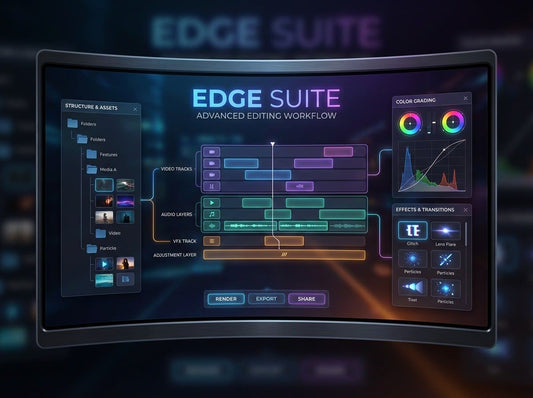
  • Montiqona Edge Suite video editing software on a tablet screen with a white background
  • Smartphone displaying video editing app interface on a white background

We're here to show that editing is a language worth learning

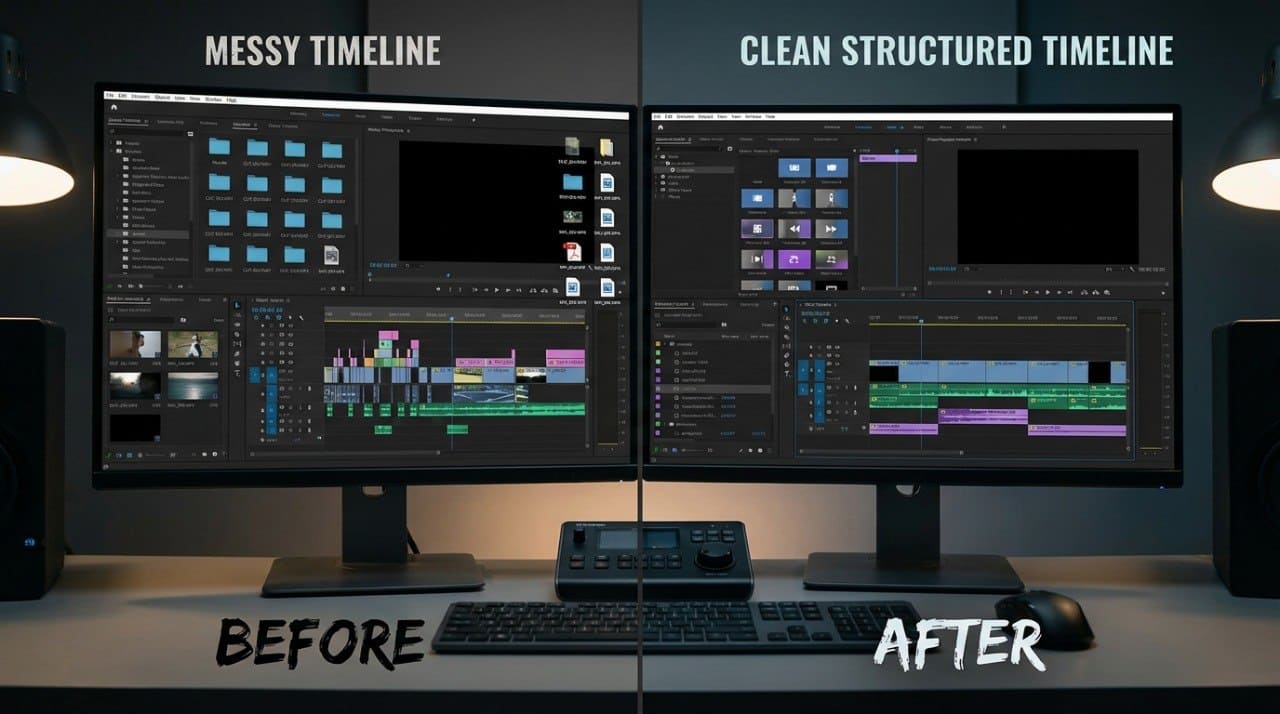
We build structured learning materials on video editing that reflect the real process of the work — from the first clip to the final file. Our goal isn't to deliver as many techniques as possible, but to give every student a clear understanding of the logic behind the decisions they make while editing. Honest, step by step, without empty promises.

30-Day Money-Back Guarantee

Try the course risk-free. If you're not satisfied for any reason, get a full refund. No questions asked. Refund requests may be submitted within 30 days in accordance with our Refund Policy.

  • Wren Calloway — Title & Graphics Editor

    Wren Calloway

    Title & Graphics Editor
    Wren works on the integration of
    titles, graphics, and text elements
    into video material. She treats on-
    screen text as part of the visual
    language of a video rather than
    a technical detail.

  • Solène Marsh — Visual Continuity Editor

    Solène Marsh 

    Visual Continuity Editor
    Solène specializes in continuity —
    ensuring smooth transitions between
    shots, scenes, and locations. She
    breaks down common editing
    mistakes from the perspective of
    spatial and temporal logic.

  • Callum Draper — Colorist

    Callum Draper

    Colorist
    Callum has been working in color
    correction and grading for over eight
    years. He has contributed to
    documentary and short-form
    projects where color is part of the
    overall visual approach.

Try the First Step for Free

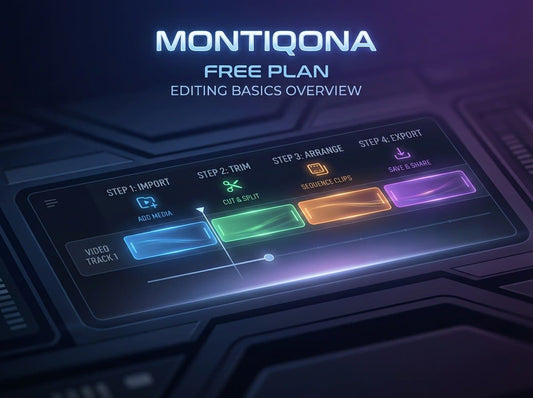
Free Plan is a complete introductory course of seven modules covering core terminology, material organization, basic editing operations, audio work, color correction, and transitions. It's designed for those taking their first step, and for those who have tried learning before but felt the lack of a clear structure. No conditions and no extra steps — you receive the material and begin whenever it suits you. This is the starting point from which the entire Montiqona lineup begins.

  • Priya Nolan

    Priya Nolan

    She is a photographer who decided to
    try video, only to find that shooting and editing are
    entirely different things. She started with Free Plan and
    found it valuable that the material explains not just the
    operations but the reasons behind them — why a certain
    sequence of clips works and another doesn't.

    "I thought editing was just cutting and joining clips. It
    turned out to be its own language — and now I'm starting
    to understand it."

  • Daniel Cho

    Daniel Cho

    He worked as an assistant at a small video studio and
    wanted to move into independent editing, but didn't
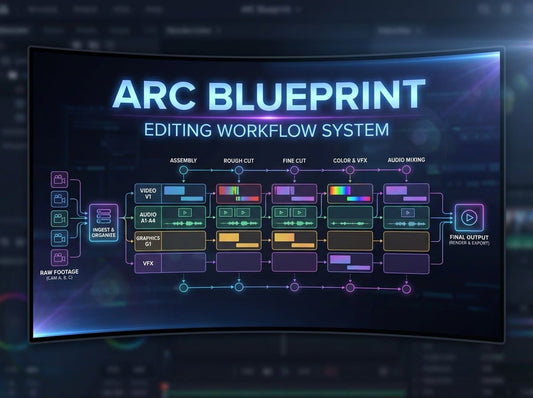
    understand how experienced editors think. The Arc
    Blueprint materials gave him what had been missing —
    not new techniques, but an understanding of the logic
    of building a video from concept to final cut.

    "I knew how to press the right buttons. But I didn't
    understand why one decision works and another
    doesn't. Now I do."

See What's Inside

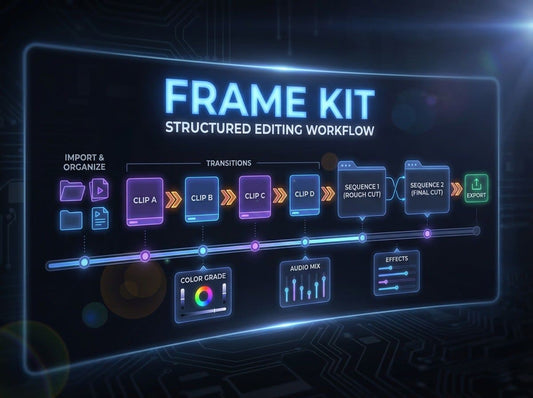
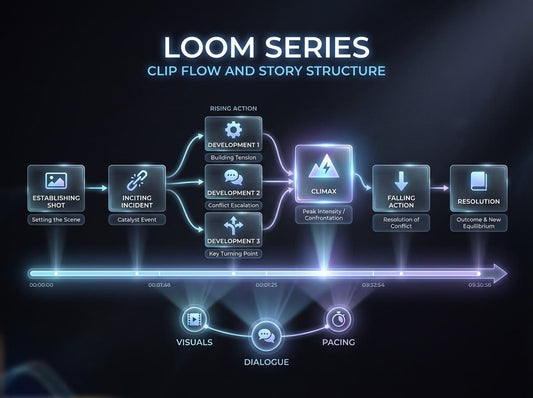
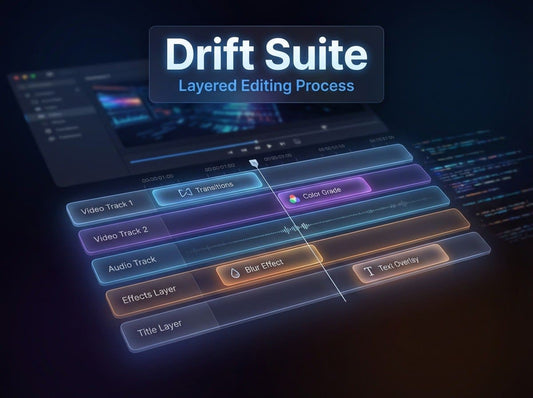
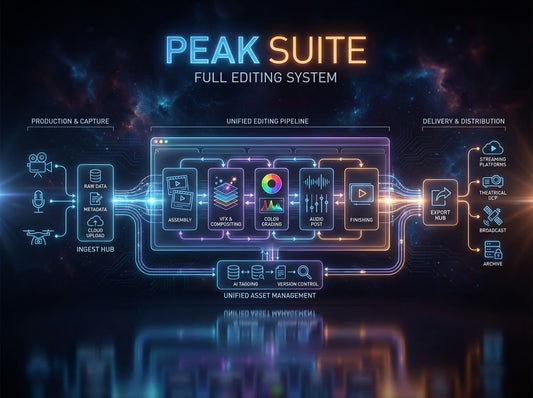
Every course in the Montiqona lineup is built as a self-contained path with a clear structure, practical assignments, and material that can be applied to a real project. The lineup covers seven levels — from basic editing operations to a complete production system — and each course follows logically from the one before it. Before purchasing, you can review the content of each course to understand which level fits your current situation. Choose a course and see exactly what it covers.